Pro Tip – Code from Any Device with Remote Tunnels in VS Code
By codeSTACKr
Published: Jan 25, 2023“
VS Code Tip of the Day
- Do you know how easy it is to code on any device?
- Account menu – Turn on remote tunnel access.
- Sign in with GitHub if prompted.
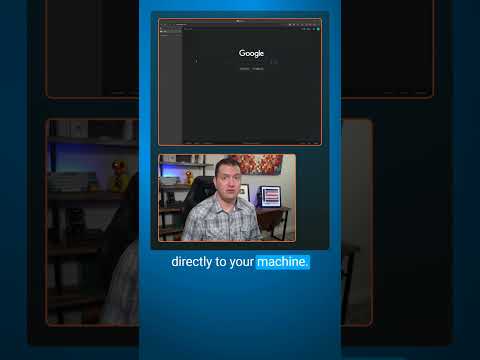
- Creates a secure tunnel directly to your machine.
- Copy / Paste this URL anywhere!
- Literally, anything with a browser.
- Access your local machine as if you were at it.
- You can even run terminal commands!
Become A VS Code SuperHero Today: https://vsCodeHero.com
Join my Discord developer community: https://discord.gg/A9CnsVzzkZ
Tools I use:
- codeSTACKr VS Code Theme: https://marketplace.visualstudio.com/…
- STACKr Code Font (Exclusive to my VS Code Course – https://vsCodeHero.com)
- SuperHero Extension Pack: https://marketplace.visualstudio.com/…
Show support!
- PayPal: https://paypal.me/codeSTACKr
Watch Next:
- Playlist: Web Development For Beginners – https://www.youtube.com/watch?v=Ez4yH…
Connect With codeSTACKr:
- Website: https://www.codestackr.com
- Twitter: https://twitter.com/codeSTACKr
- Instagram: https://instagram.com/codeSTACKr
- Facebook: https://facebook.com/codeSTACKr
”

EricBrooks.Com® is licensed under a Creative Commons License.